Quick Settings
Within reach, wherever you are.
Add Extimeout to Android Quick Settings for one-tap access. The active-session notification lets you see what’s running and restore your settings without returning to the app.
 Veritware
 Extimeout
For Android · Entirely free
Follow a recipe, read instructions or keep a reference in view without repeatedly waking your phone.
Choose how long you need. Extimeout temporarily extends your Android screen timeout, with controls to restore your normal setting when you’re done.
Find the right session for the moment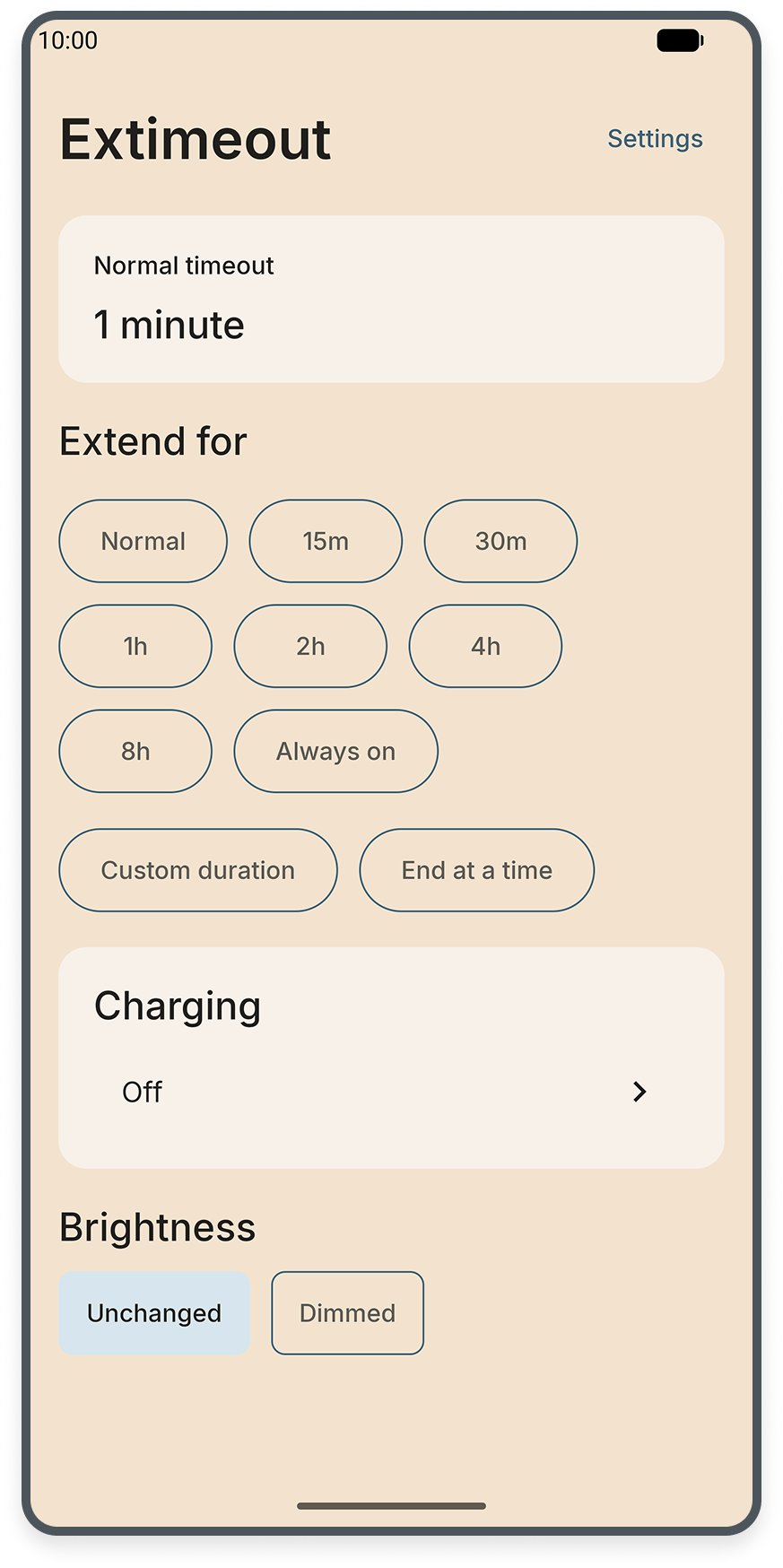
Choose your session
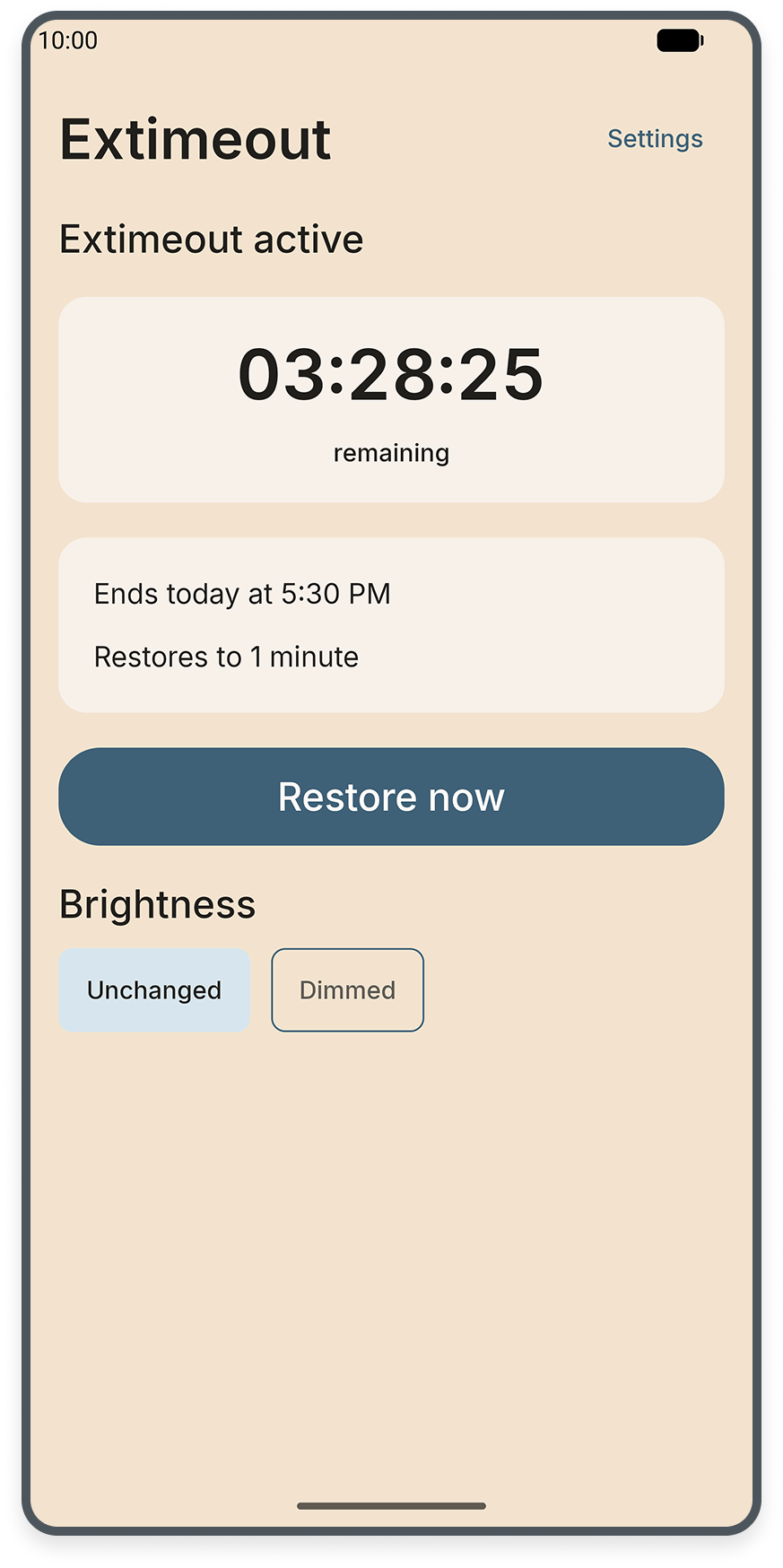
Pick a preset duration, enter a custom duration or set an end time. The active screen shows how much time remains and the timeout you’ll return to.
Choose Always on for a session without a timer. Use Restore now whenever you’re ready to return to your usual timeout.
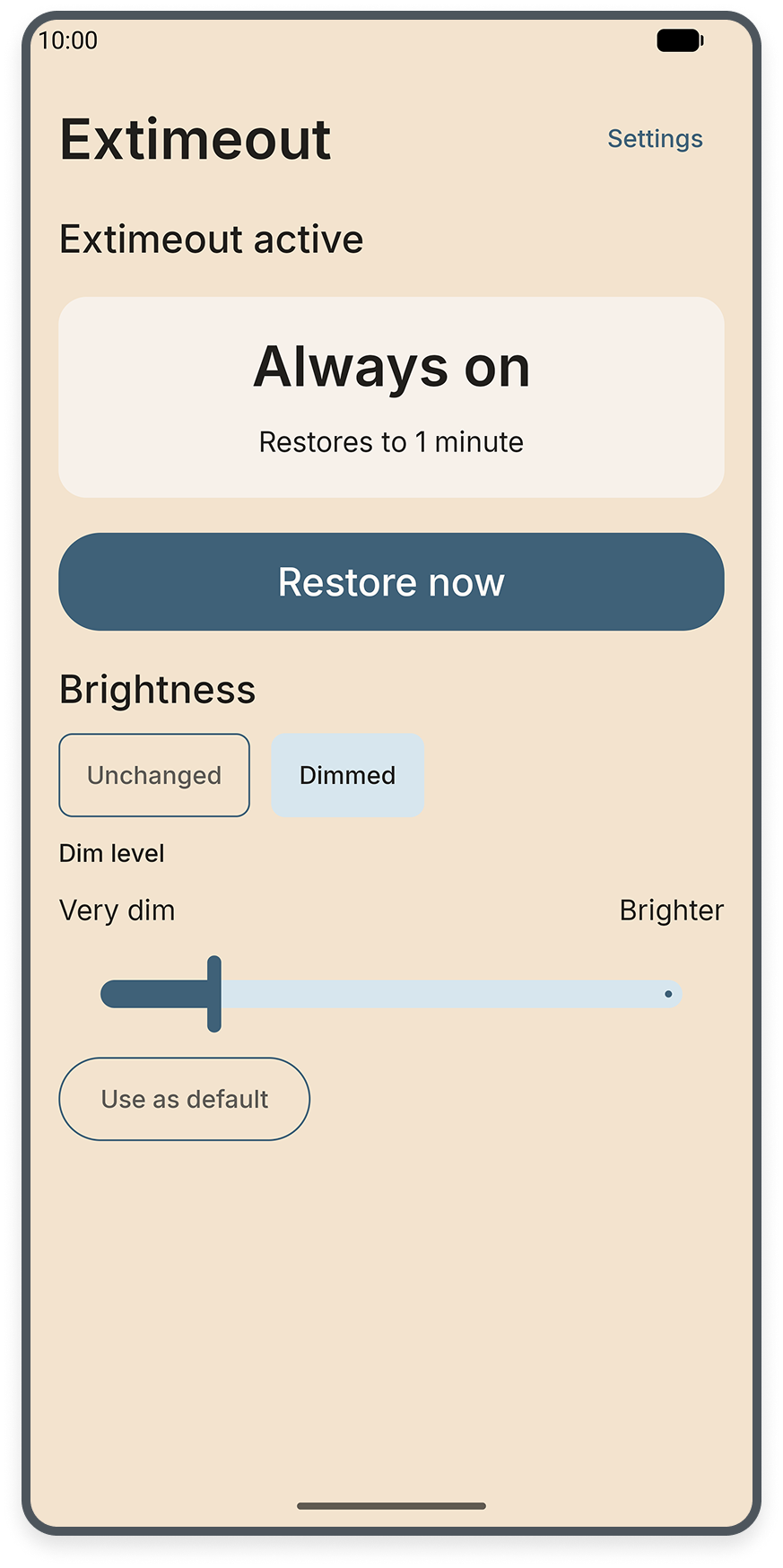
Optional dimming
Leave brightness unchanged or dim it for the session. Adjust the dim level to suit the moment, and save it as your default for next time.
Your previous brightness settings are captured for restoration when the session ends.
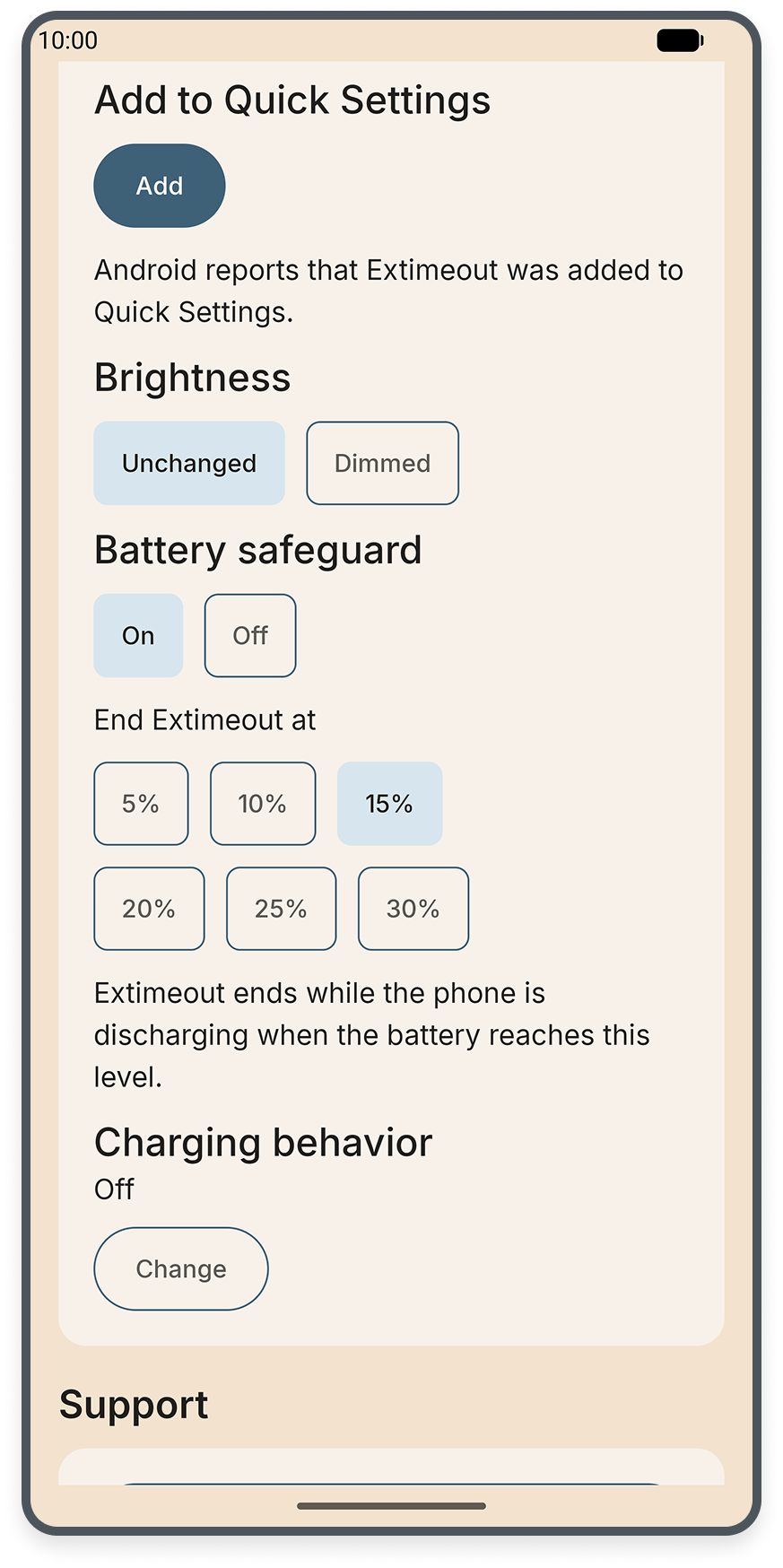
Battery safeguard
Choose a battery level at which Extimeout ends the session while your phone is discharging.
Charging options give you another way to control when a session ends.
Quick Settings
Add Extimeout to Android Quick Settings for one-tap access. The active-session notification lets you see what’s running and restore your settings without returning to the app.
Appearance
Choose light, dark or system appearance, then pick a colour family for the background. Keep text and icons coordinated automatically, or choose their colours separately.
Private by design
Extimeout works locally on your device, without advertising, analytics or a cloud service. Every feature is free, with no subscription or paid unlock.
Read Extimeout’s privacy policyExtimeout needs Android’s Modify system settings access to adjust the timeout. Android restrictions, a force stop or removing that access can interrupt restoration; the app’s Diagnostics screen helps you check the current state.
Setup and restoration help